Manage your media playlists with SYAPLAY
The professional solution to organize your playlists with a multi-user profile system.
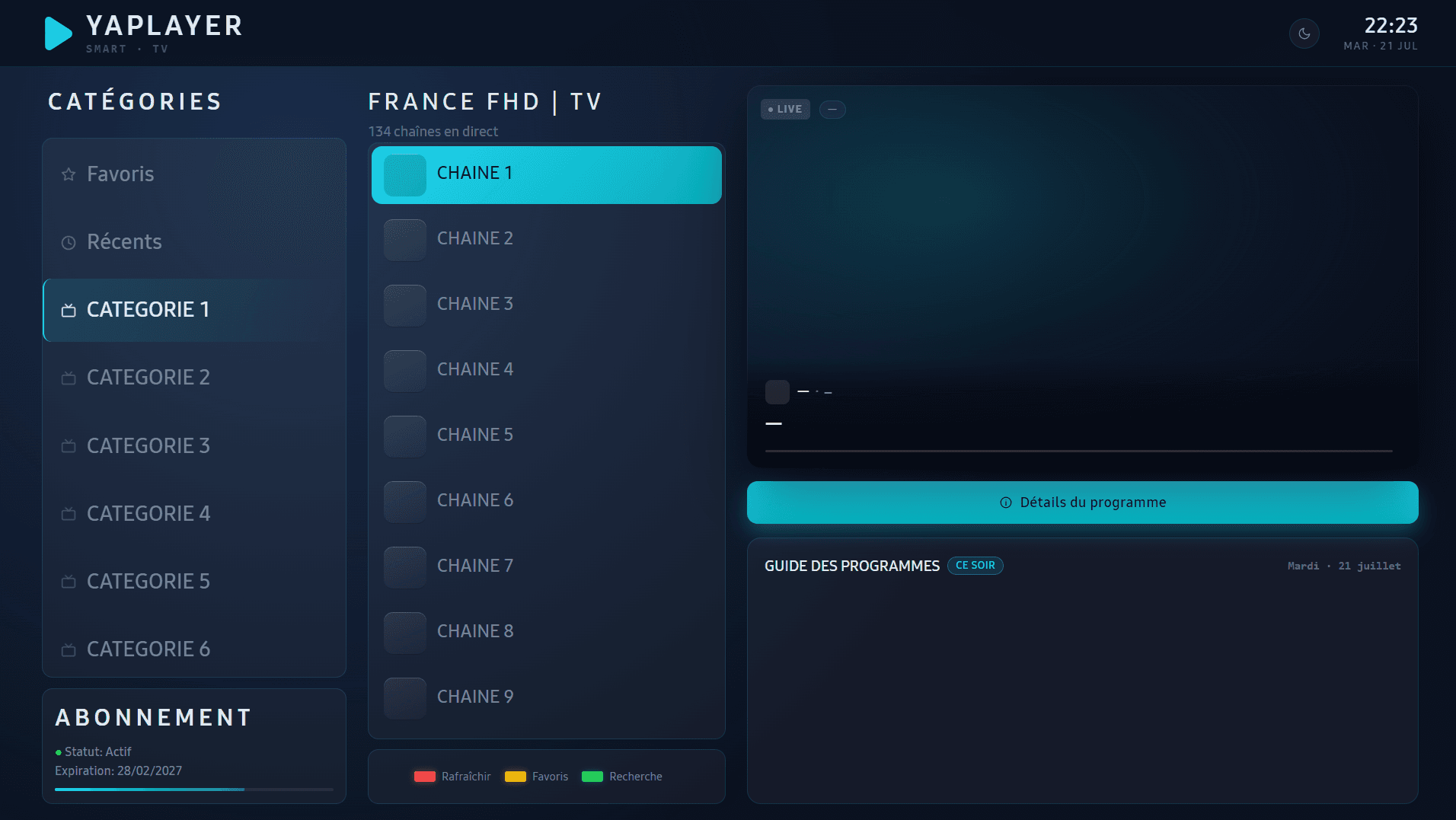
How it works
Three steps to get started, no commitment
Install SYAPLAY
Download the app on your Samsung TV (Tizen).
Create your profiles
Up to 5 profiles per household, each protected by a PIN code.
Add your playlists
Connect your sources and find everything organized by profile.
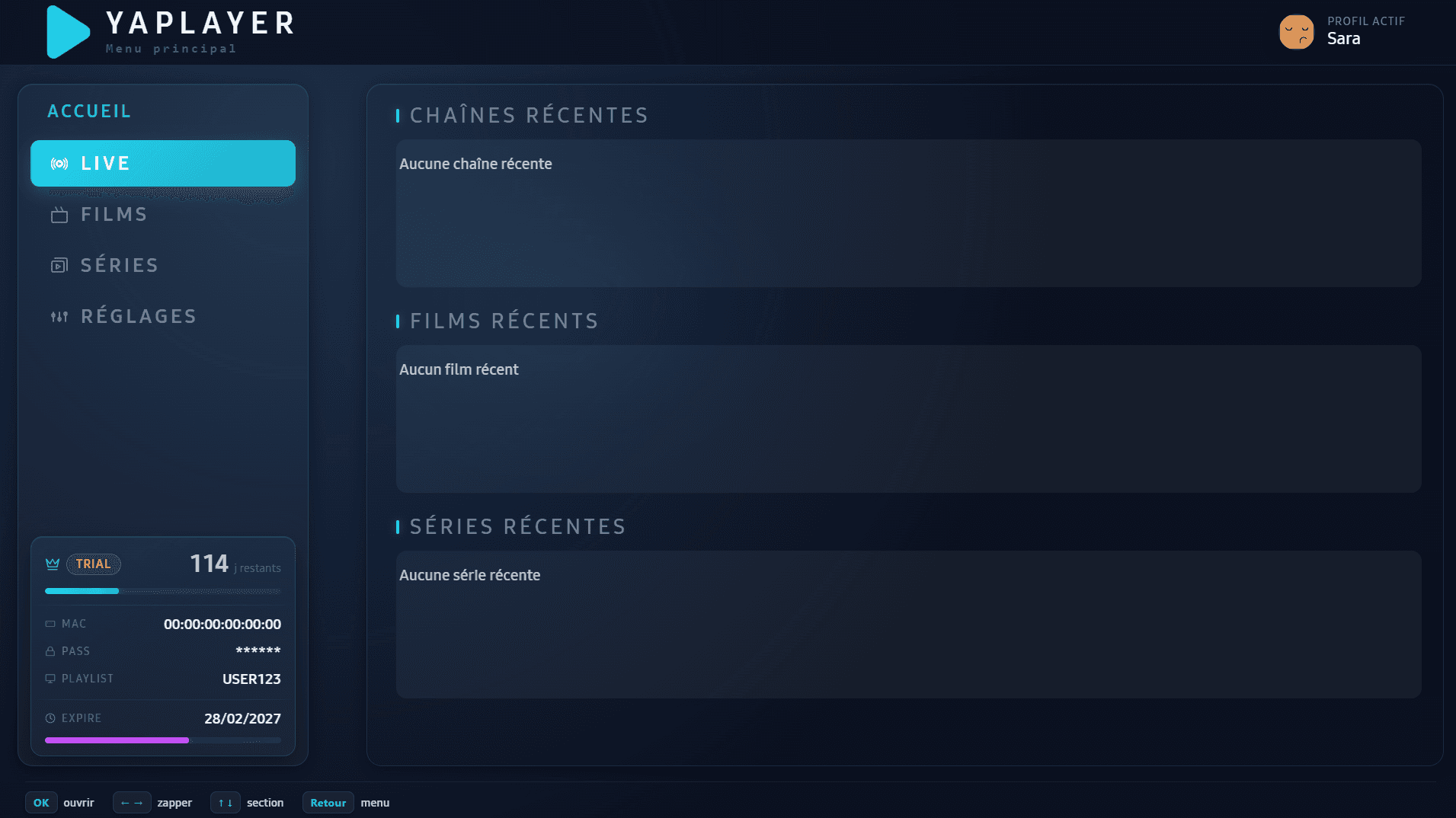
A library organized by profile
Recent channels, movies and series appear right on the home screen, sorted by profile. Every member of the household keeps their own experience, without mixing content with others.
Unlimited playlists, simplified activation, and an interface built for the remote control.
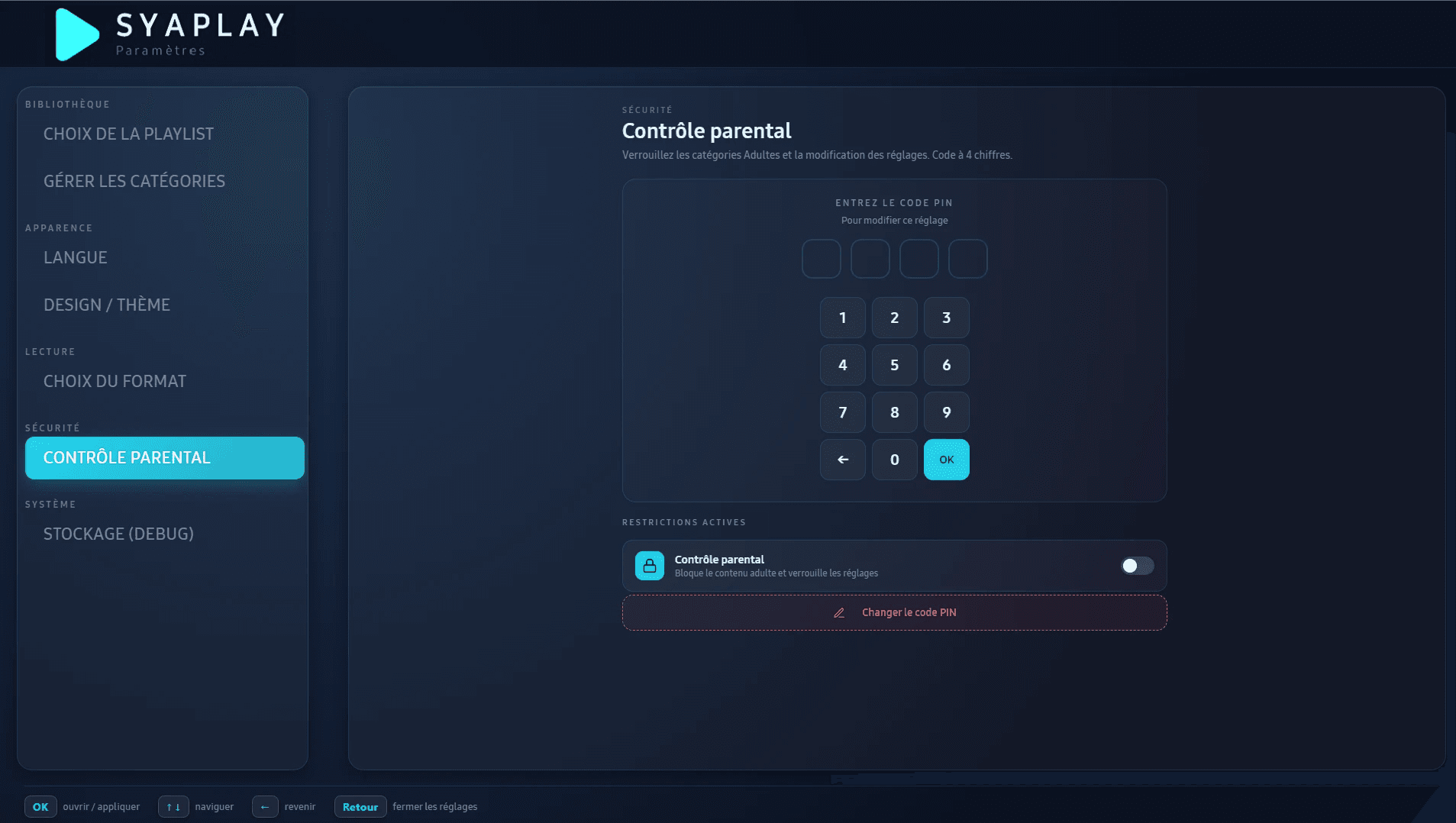
Profiles protected by PIN code
Up to 5 profiles per account, each with its own restrictions. Lock sensitive categories and settings access with a 4-digit code.
Perfect for family use: parents and children each keep their own space, with peace of mind.
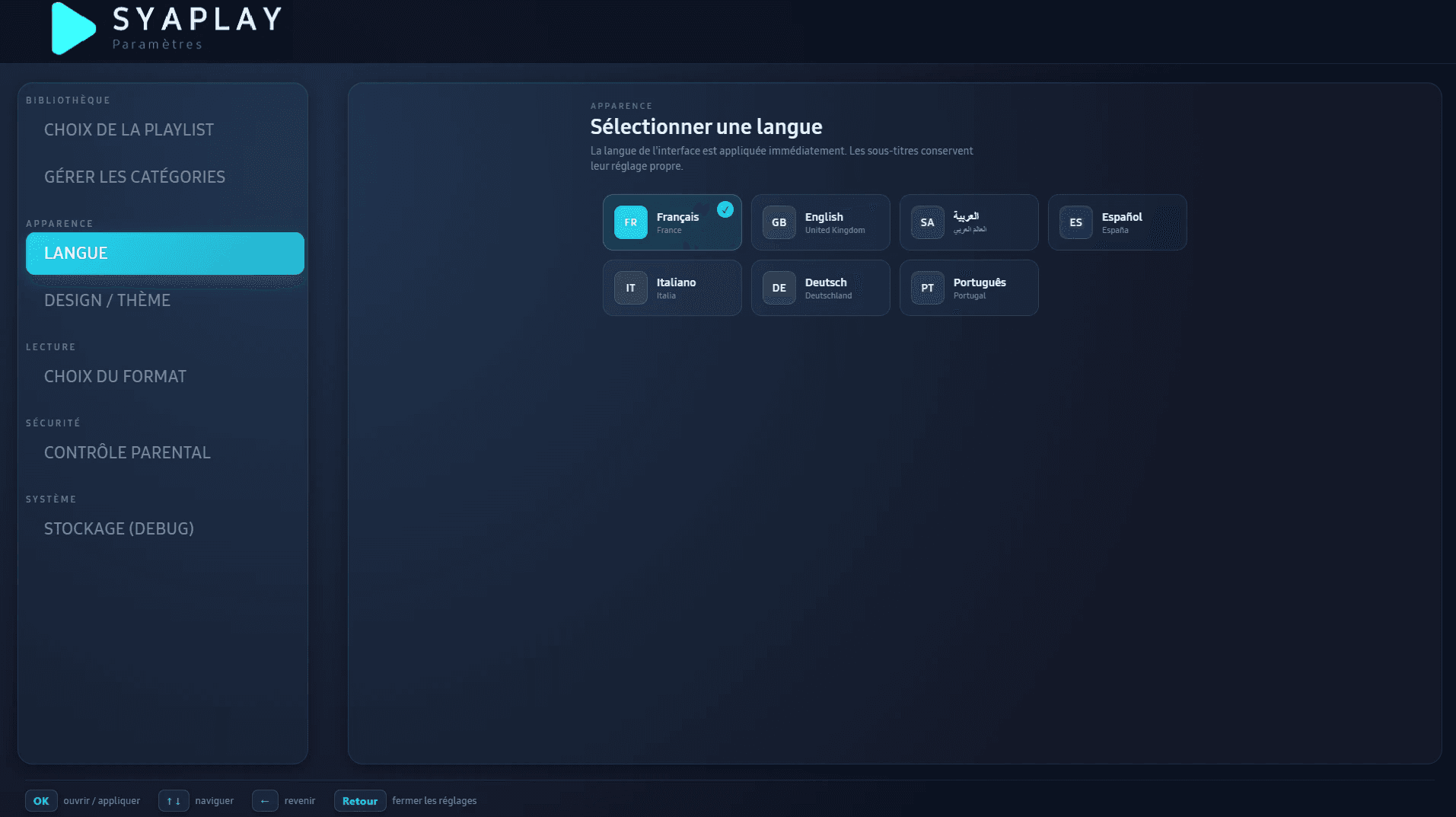
Available in your language
Interface available in French, English, Arabic, Spanish, Italian, German and Portuguese. The language change applies instantly, no restart needed.
Elegant, responsive design, built to stay readable and fast on the big screen.
Multi-User
Up to 5 profiles, each with its own favorites and history.
Enhanced Security
Device authentication and encrypted data.
Free at launch
Free during the launch period, no credit card or commitment.
Fast & Reliable
Optimized performance and cloud sync.
Free during launch
No credit card required
Encrypted data
Hashed passwords and PIN codes
Zero third-party tracking
No advertising cookies
Samsung TVs
Tizen 4.0 or later
Ready to try SYAPLAY?
Free during the launch period, no credit card required. No commitment.
Get started for free